Time off
Submit a request from the Time Off page — pick your dates (or a start and end time for part of a day), and Shifti checks it against your available PTO balance before it goes out for approval.
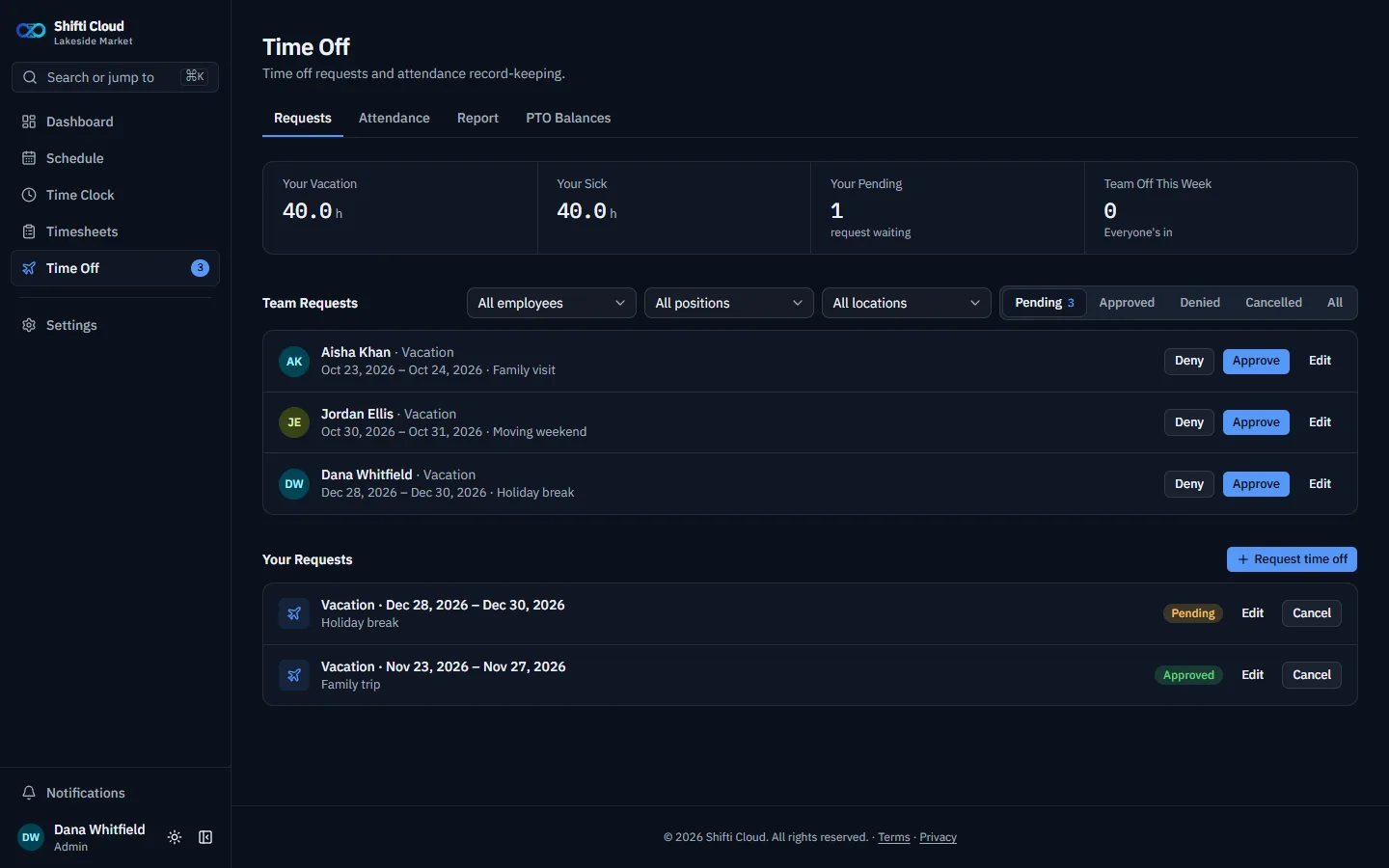
Shifti Cloud shown; self-hosted Shifti's time off page looks and works the same way.
Who approves your request
There isn't a single fixed manager assigned to review your requests — it goes out to anyone who holds time-off-approval permission, which could be one Manager or several, depending on how your company's Settings → Permissions are configured. The first person to act on it decides it.
Your PTO balance
Vacation and sick time are tracked separately, and both show on this page. Sick callouts and no-call/no-shows also get logged against your record here, alongside your actual approved time off. The Time Off page also has Attendance, Report (a days-off report you can export as CSV), and PTO Balances tabs, depending on your permissions.