Schedule
The Schedule page shows the weekly grid your Manager or Admin builds and publishes. Only published shifts are visible to you — a schedule still being drafted isn't shown until it's published.
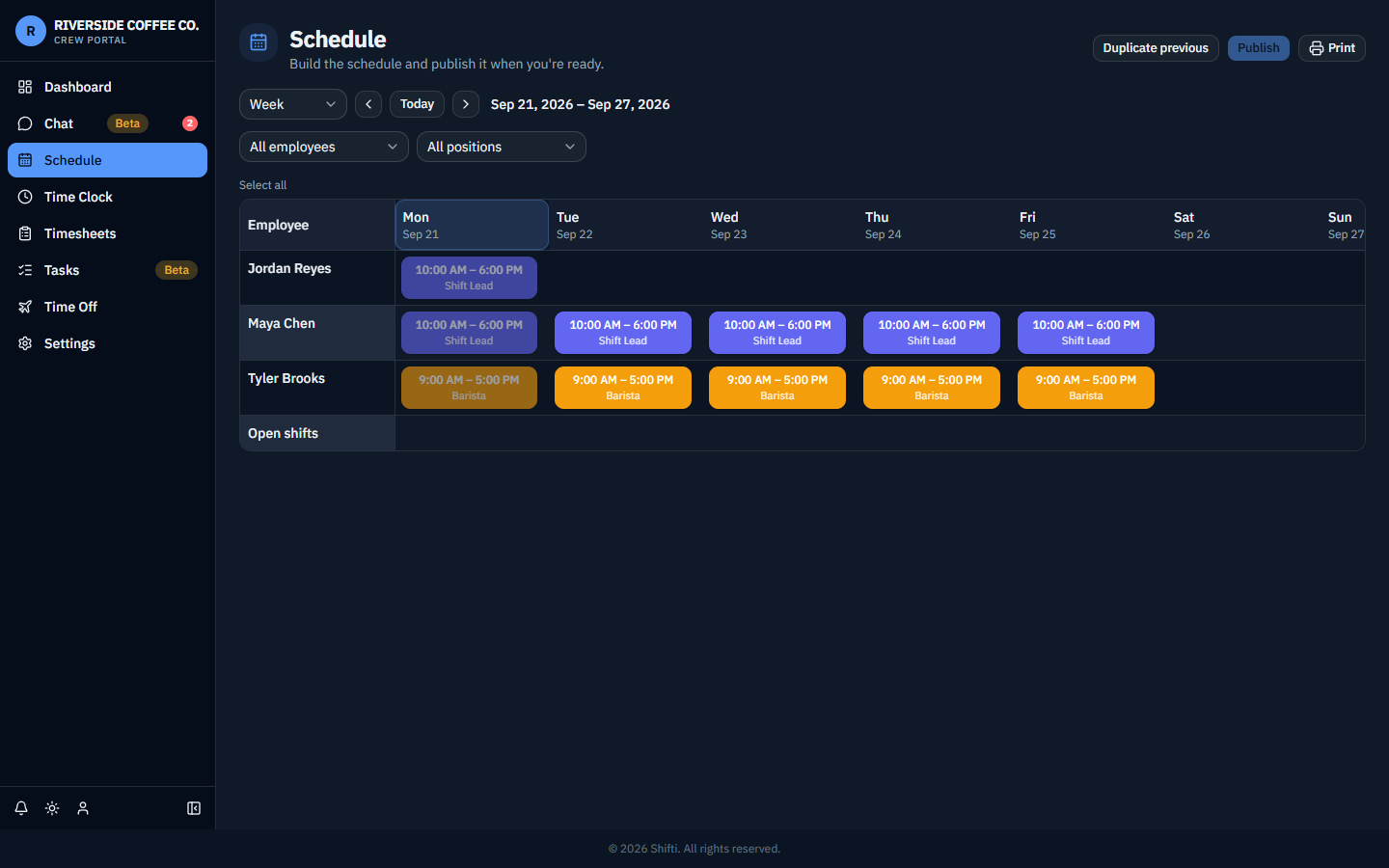
Shifti Cloud's schedule grid looks and works the same way.
Claiming an open shift vs. requesting a swap
There are two different ways to pick up a shift that isn't currently yours — they work differently, so it's worth knowing which one you're doing:
- Claim an open shift — a published shift with nobody assigned to it. Claiming it is checked automatically against your position, your location, and the rest of your schedule for conflicts — if you're eligible and it doesn't overlap anything else, it's yours.
- Request a swap — trade one of your own shifts with a coworker's. This goes to whoever holds shift-swap approval permission (usually a Manager or Admin) to accept or decline before it takes effect.
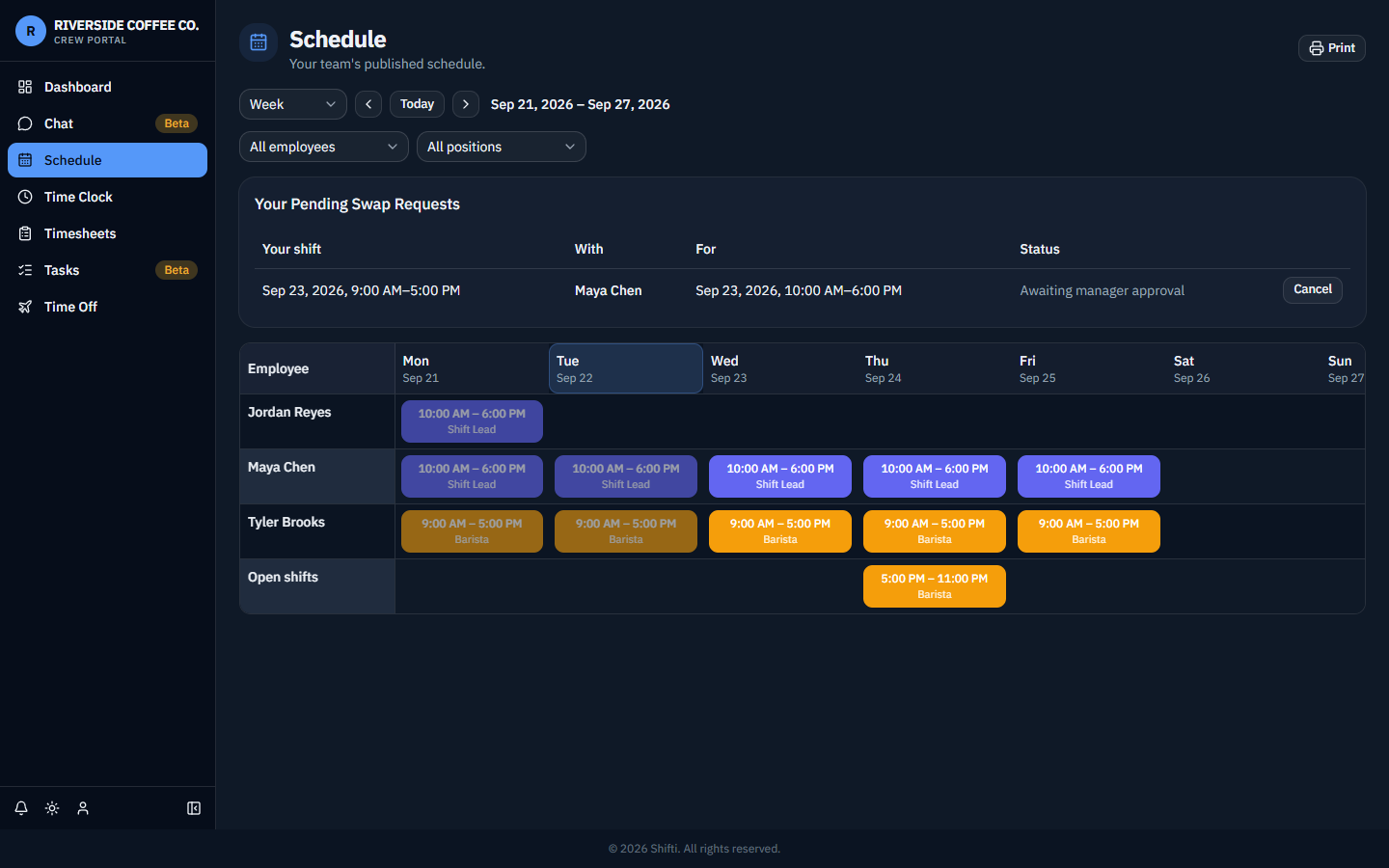
Shifti Cloud's claim/swap flow works the same way.
Next: Time clock